A high-performance terminal built for long-running AI agents.

Run multiple coding agents in parallel, use your favorite CLIs, and stay organized with one workspace per feature.
DownloadmacOS · beta v0.0.25
Sign in

Metal-powered GPU rendering. Native, not Electron. Voice mode. tmux support.

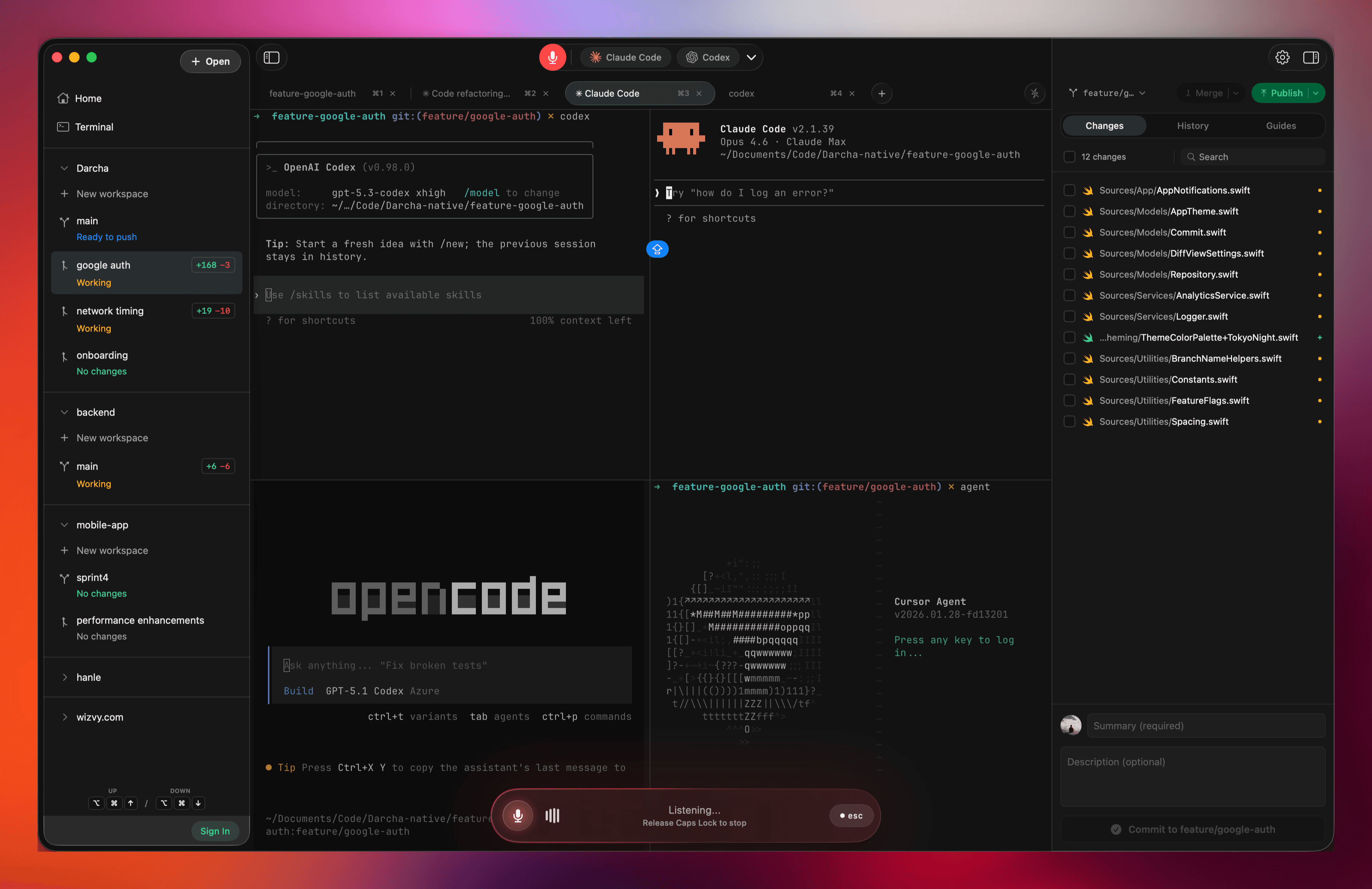
Darcha overview — multiple AI coding agents running in parallel with isolated Git worktrees

Core features

Everything here is focused on real day-to-day workflow speed.

Work on many features and projects at once

Add multiple projects and spin up feature branches within each. Every feature gets its own workspace tab, so you can run AI tasks across repos without mixing context.
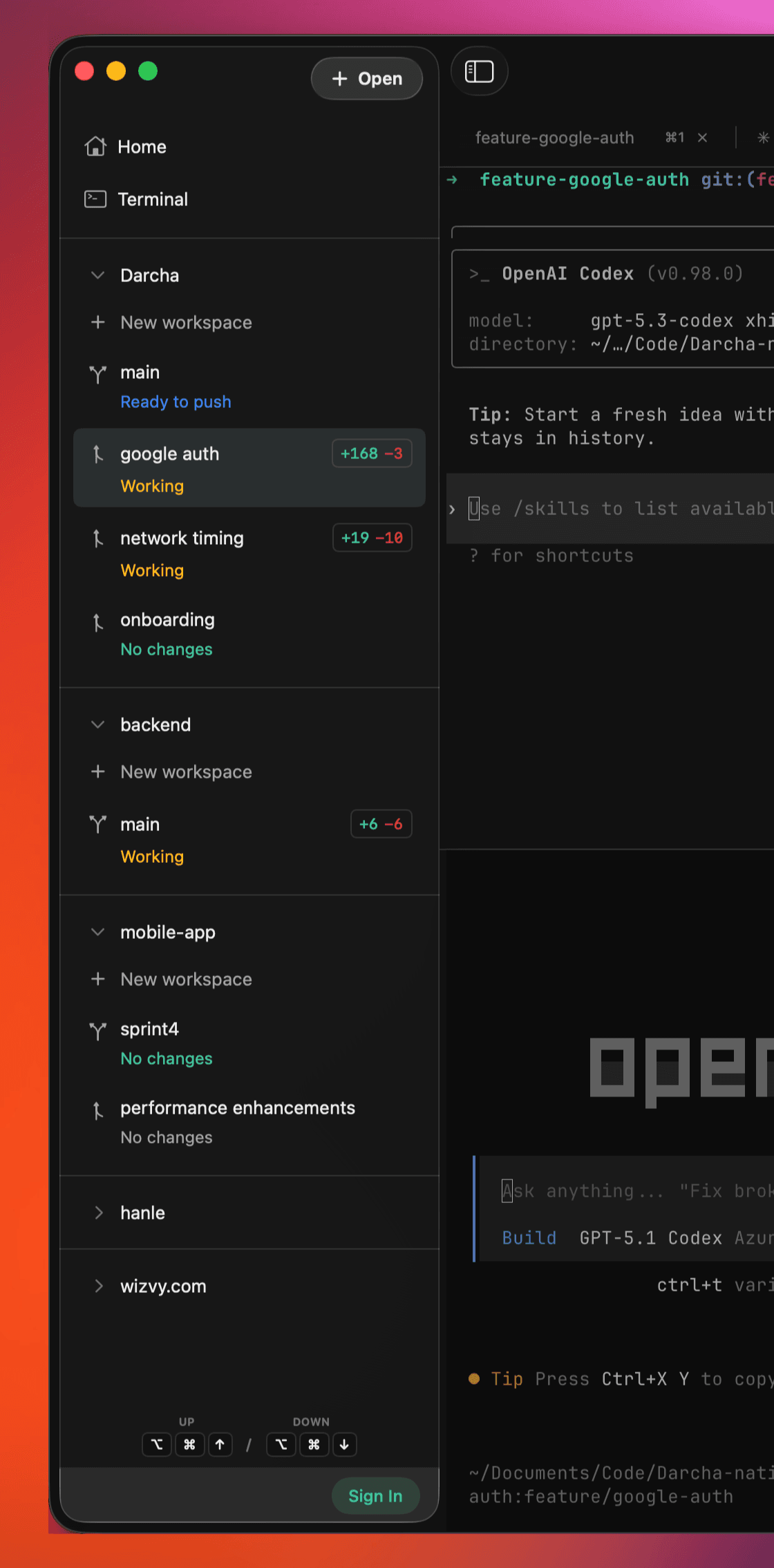
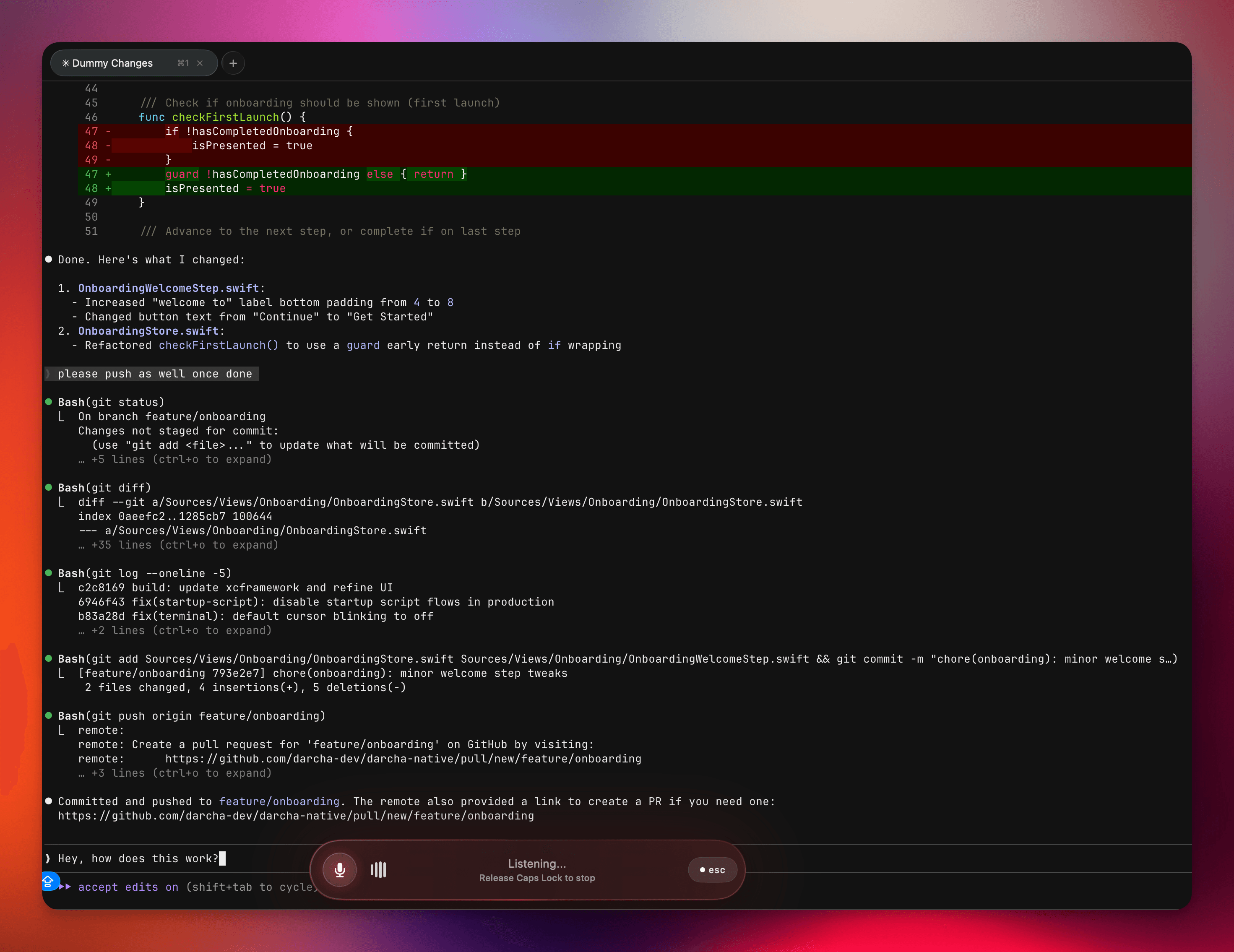
Multiple projects in one sidebar
One feature, one workspace tab
No branch switching overhead
Jump between features and projects instantly
Work on many features and projects at once
Talk to your terminal

Talk to your terminal

Use voice mode to speak commands and prompts instead of typing. Press Caps Lock to start, release to send.
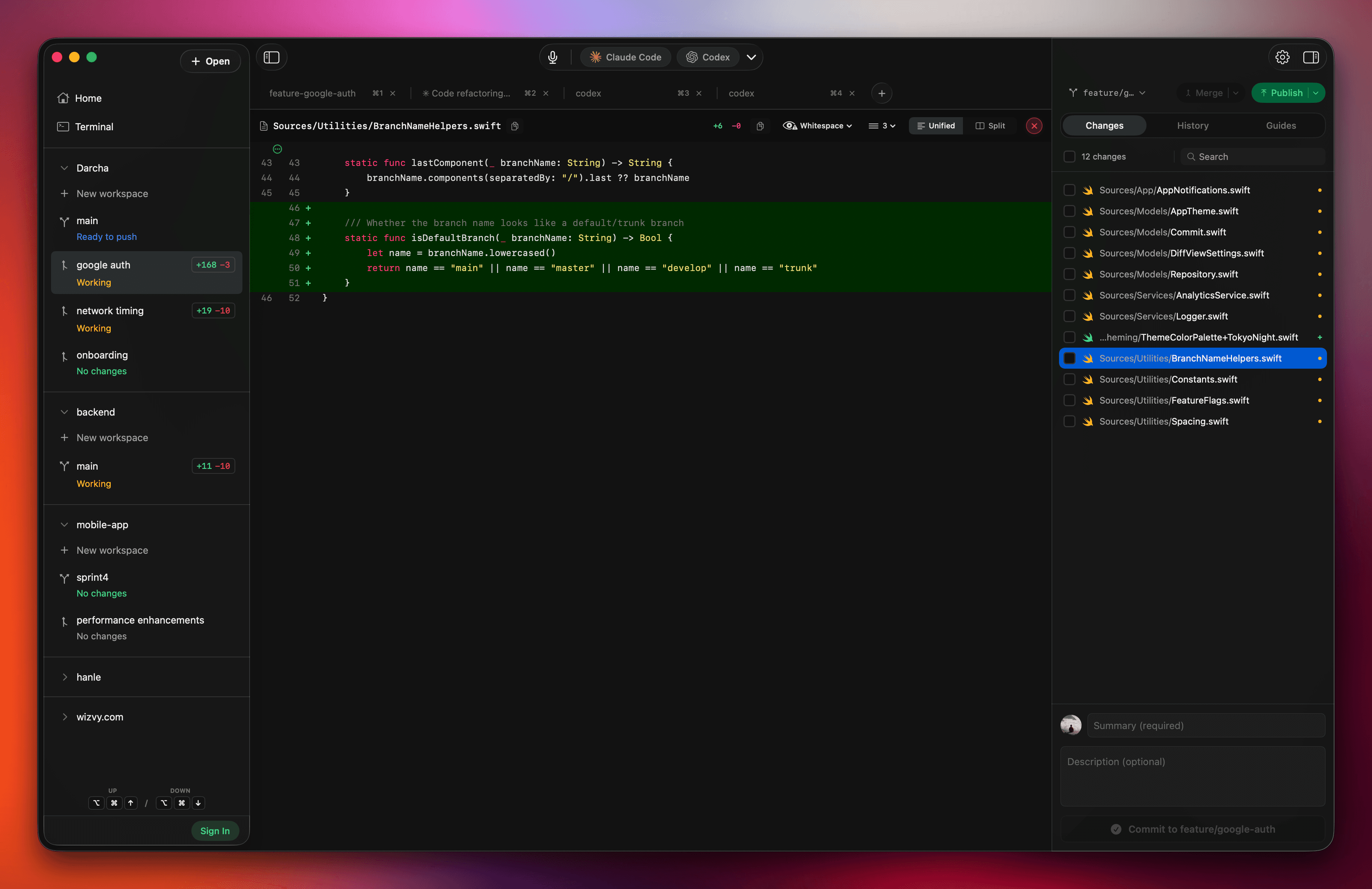
Push-to-talk with Caps Lock
Works with any CLI or AI agent
Fast native terminal on macOS
Review and ship in one flow

Review and ship in one flow

Keep diffs, history, and publishing close to your terminal so each feature can move from idea to merge cleanly.

Inline diffs and partial staging
Conflict resolution and history tools
Stash and rebase support
Publish per feature branch

Beyond the desktop app

Darcha also supports remote access and tool discovery.
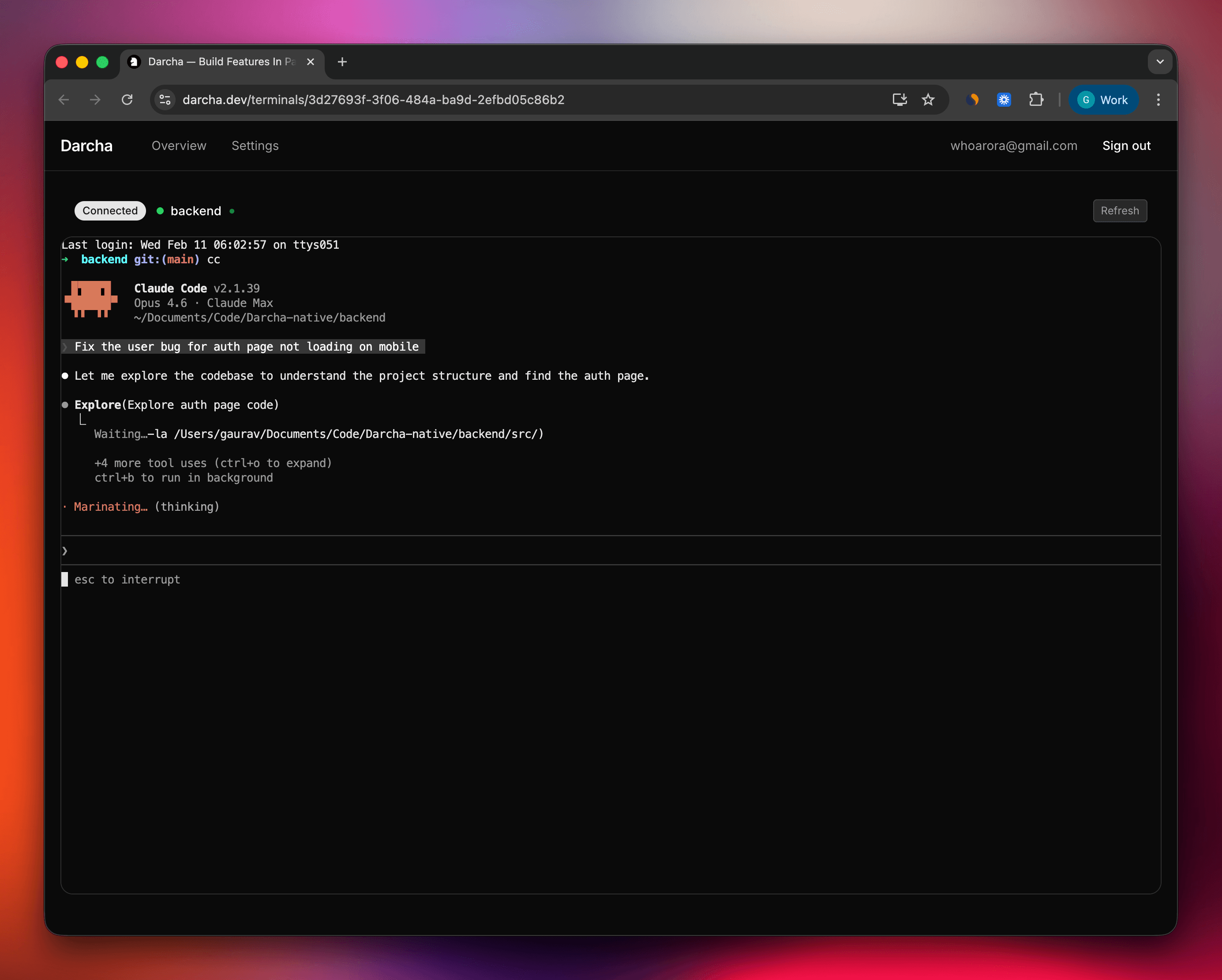
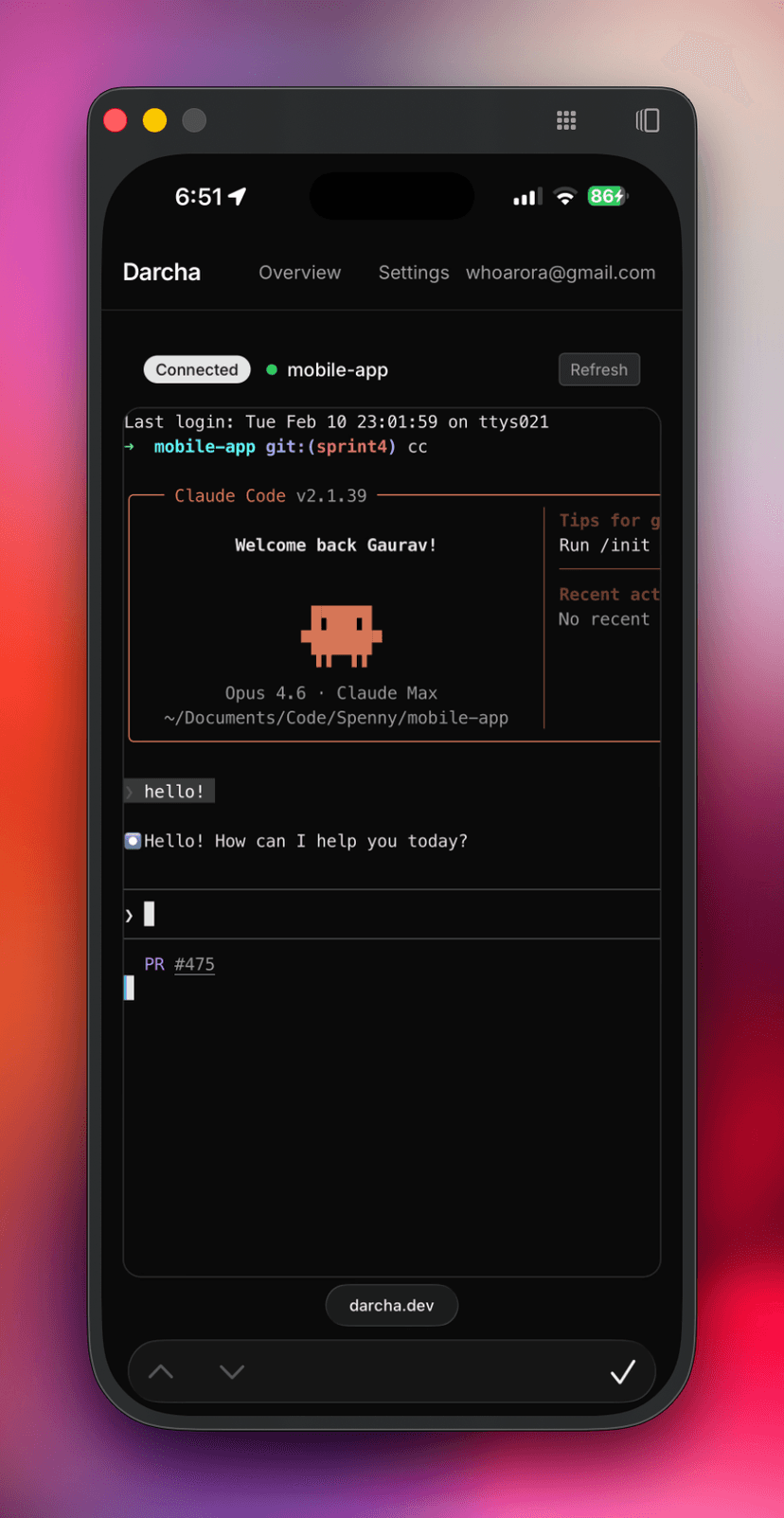
Access terminals from web and mobile — web
Access terminals from web and mobile — mobile
Access terminals from web and mobile
Monitor and control your desktop terminal sessions from any browser or phone.
Desktop and remote views stay in sync
Watch output live
Send input and resize remotely
See status and attention alerts
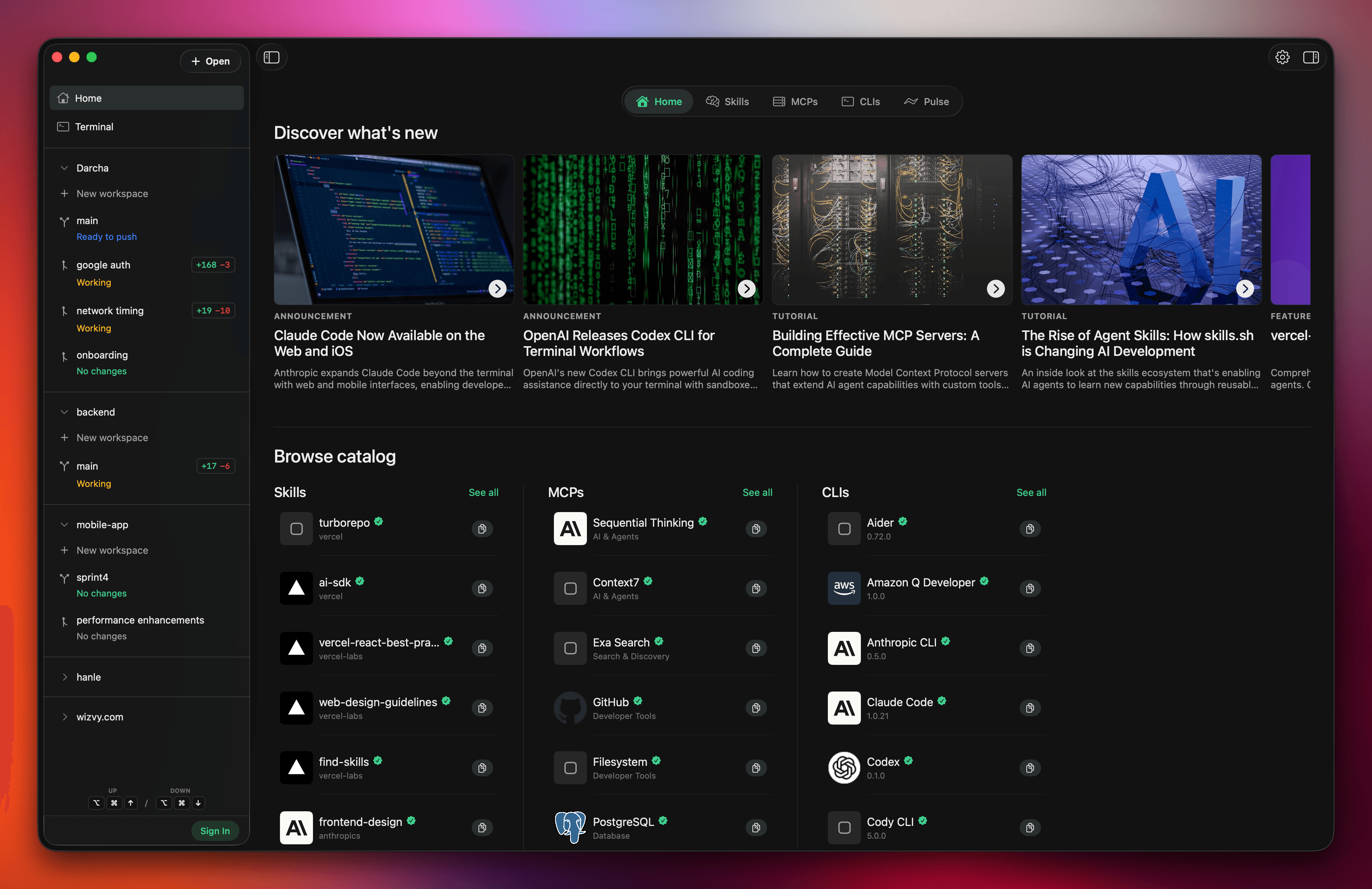
Built-in marketplace for tools
Discover and install tools in one place, without hunting across multiple sites.
Skills for coding workflows
MCP servers for integrations
CLI tools with install info
Tutorials, Market Pulse
Performance snapshot
High-performance, GPU-based terminal rendering with Metal. Benchmarks vary by hardware and workload.
4x

faster plain-text reads

vs iTerm and Kitty

2x

faster plain-text reads

vs Terminal.app

73ms

average read time

10-run average on M3 Max test setup

DownloadmacOS · beta v0.0.25

Build in parallel with native speed and a clean workflow.